General
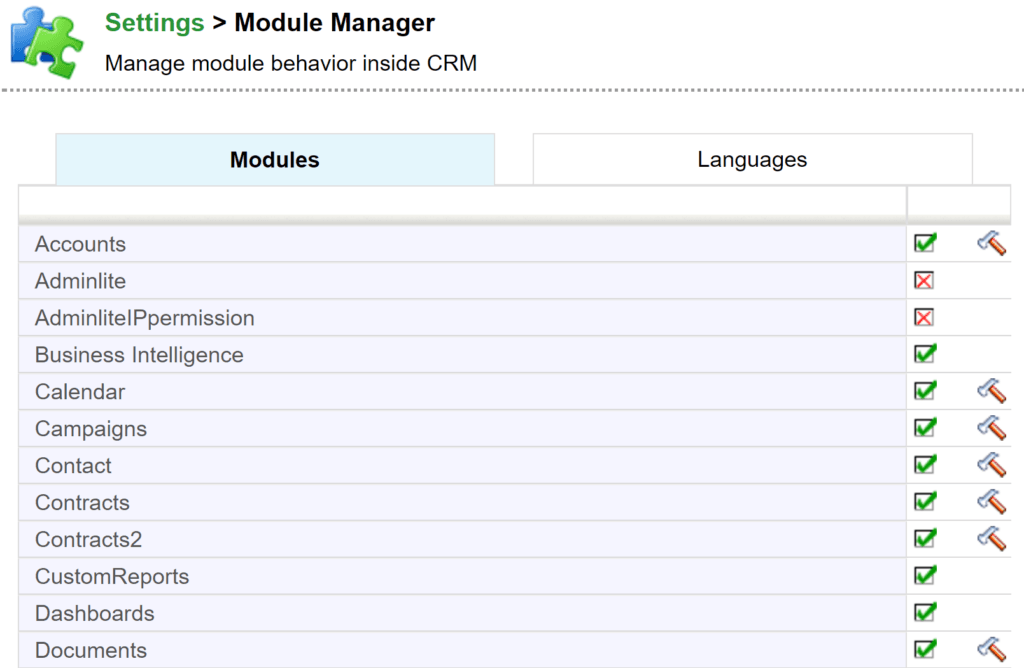
You can select the modules that are visible and active in the system (interface) in Settings → Module Manager.
By default the tab Modules is first shown in the Module Manager (see the picture below). On this tab you can set the modules visible and usable by ticking the checkbox active. Most of the modules also have a Settings button (hammer icon), which can be used to get to the settings of the particular module. (You can go to the settings also through the module itself, see for example the guide Layout Editor.)