
General
The legacy CRM-service interface (Legacy) will be permanently deprecated on June 30, 2025. This means that the old version of the CRM UI for basic users will be removed and cannot be activated in the settings. This article contains the most common questions related to this topic and their answers.
Admin user settings
Will the admin user settings change?
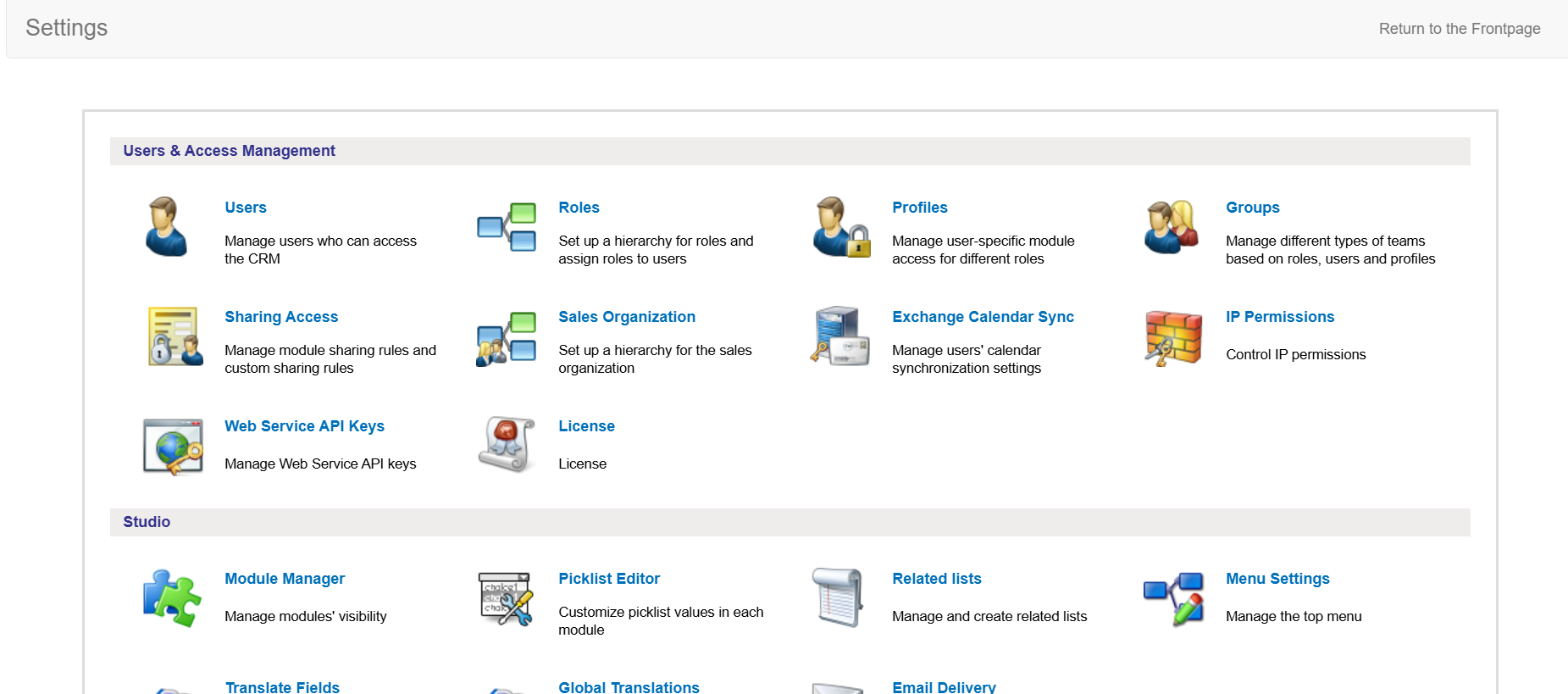
The admin user settings will remain largely unchanged, and only settings that affect the legacy user interface will be removed. However, after opening the settings, admin users will still see the same old user interface (picture below).
Target groups
Will there be changes to the target group tool?
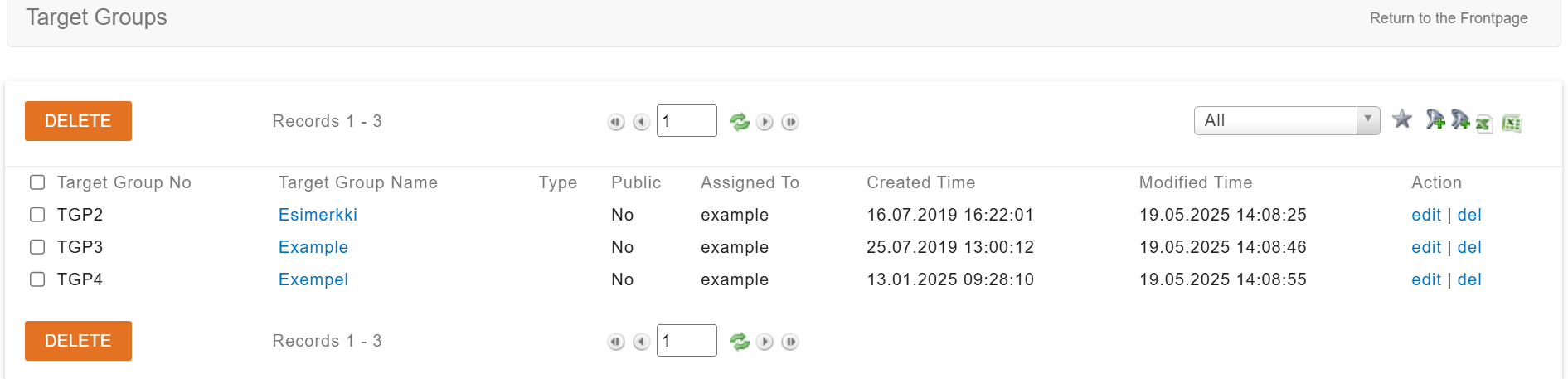
Target groups will remain unchanged for the time being, and there will be no changes to the management view. Instead, users will be directed from the new user interface to the old user interface when using target groups (picture below).
We recommend that marketing, for example, be handled using campaigns instead of target groups. You can read more about how to use them in the Campaigns guide.
Report generator
Will the report generator be removed or will its user interface be changed?
The report generator will remain unchanged for the time being, so using the report generator will redirect the user from the new user interface to the old one (picture below).

Importing data into the system
Will users still be able to upload data to the system?
Yes, all users can use the CSV Importer import program for this purpose. Information on how to download and use it can be found in the guide CSV Import.
Find duplicates feature
Where did the Find duplicates feature go?
In preparation for the removal of Legacy, the Find duplicates feature was disabled in the update on February 13, 2025. You can still find duplicates using the report generator. For more information, see the guide Finding duplicates with the report generator.