General
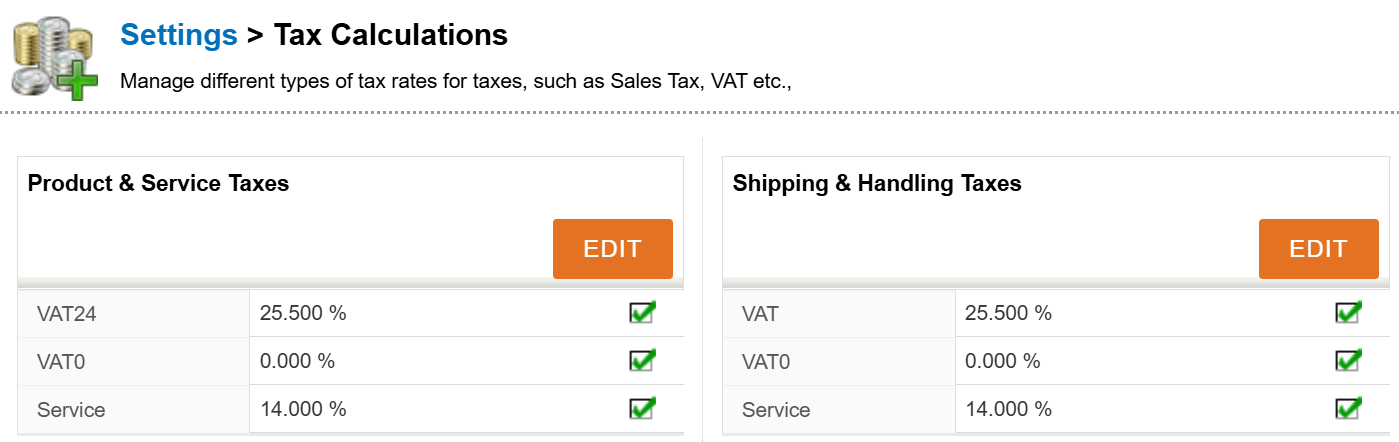
You can manage tax calculations for offers, sales orders and invoices by clicking Settings → Tax Calculations.
The taxes saved in the system are shown in the Tax calculation’s main view (see the picture below). The tax can be activated or disabled by clicking the checkbox on the tax row. The tax rate and be edited by clicking the Edit button.