General
You can create, edit and delete currencies used in offers, sales orders and invoices in Settings → Currencies.
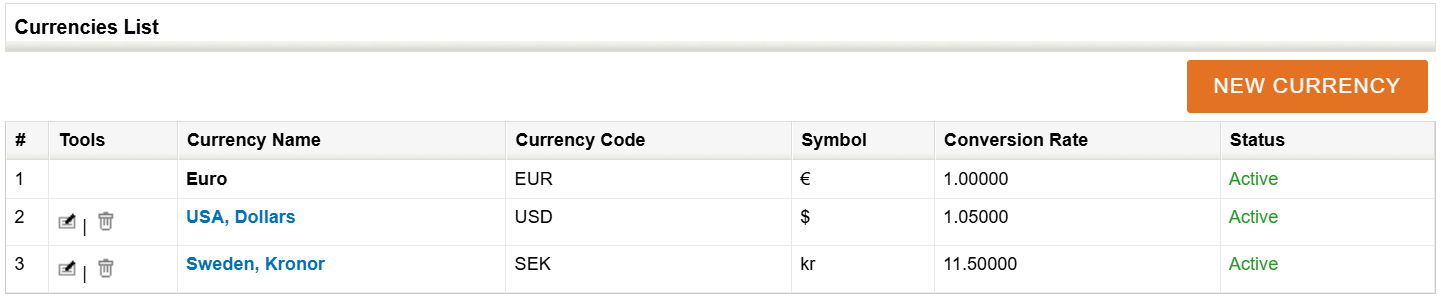
The Currencies List shows the currencies added to the system (see picture below). Euro is the default currency of the system and therefore can not be edited or deleted. Other currencies have buttons for editing and deleting in their Tools column.
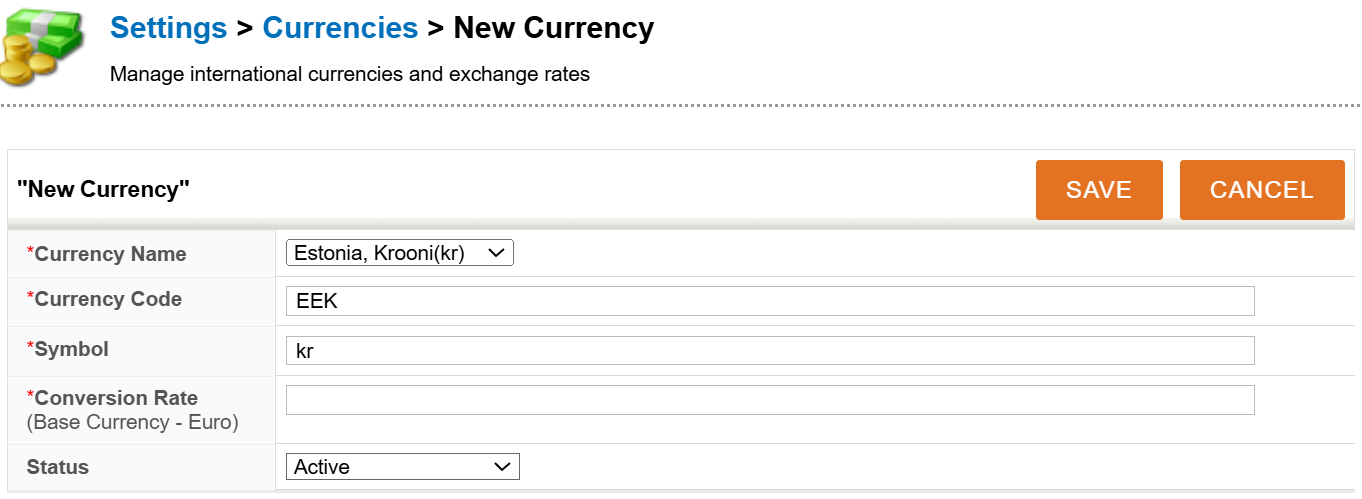
A new currency can be added by clicking the New Currency button. You need to determine the name, code, symbol, conversion rate and status of the currency (see picture below). When you are done, click the Save button.