General
Implementing integrations between CRM-service and third party applications is simpler and more versatile than ever before with our new REST interface, alongside with the existing SOAP interface. A short video on this topic can be found in the article REST Interface Video Guide.
The REST interface can be used for reading and writing data.
Testing the REST Interface
Each CRM-service instance has its own test interface for developers for trying out REST.
You can access the test interface by adding /api/v1/docs after your CRM address – for example, “edemo.crmcloudservices.com/api/v1/docs”.
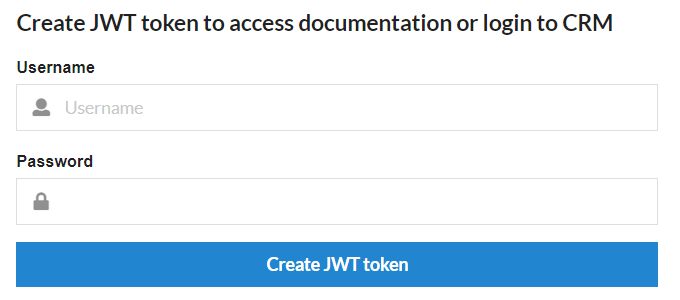
You must use your CRM user name and password to log in to the test interface (see the the fields in the picture below). Therefore CRM credentials are required for the testing and the user rights you have in the CRM also determine which information you can access in the test interface.